STEALTH
Stealth is a new gameplay mechanic in Elite Dangerous Odyssey whereby the player needs to actively decide and choose how they will adapt to a mission or objective by sneaking past guards and raising alarms.
ODYSSEY HUD INFORMATION
When you disembark from your ship, you will play the game through the view through your character’s helmet. You’ll see instruments that you may not be familiar with, let’s over them.
ENVIRONMENT ( RED )
The Minimap is located on the top left corner of your vision. It has three components:
- Minimap (1) : The minimap shows your location in relation to other targets, interactive objects like terminals or power transfer stations. The minimap has distinctive rings indicating the target’s proximity to your position. The rings extend from 15m, 25m and then to 40m.
- Line of Sight (2) : The line of sight of your view is an area that you will see on your screen. NPC’s will also have this line of sight when patrolling the settlement.
- Conditions (3) : The icons just right of the minimap displays conditions within your environment. From top to bottom:
- The first icon indicates if you have a local bounty associated with you.
- The second icon indicates if you possess illegal items in your backpack.
- The third icon indicates hazardous temperature conditions.
- The fourth icon indicates if you’ve been caught trespassing restricted areas.
- The fifth icon indicates if you’ve been caught with weapons armed.
SUIT INFO ( GREEN )
The suit information is located on the bottom left corner of the screen, it contains the following instruments:
- Authority Access (4) : This number is associated to the highest level of security clearance that you have.
- Suit Health and Shields (5) : The visual indicators represent the health pool of the suit, and shields once activated.
- Suit Battery Reserves (6) : The battery reserves and tools that consume power from it.
- Suit Oxygen Reserves (7) : The oxygen reserves that you have remaining on your suit after suit power loss.
WEAPONS ( PURPLE )
- Weapon Ammo (8) : The top number indicates rounds left in the clip, bottom number indicates rounds left in the ammo pool.
- Handheld Explosives (9) : How many explosives you have in your inventory.
- Crosshair (10) : The target where your weapon spray will generally be landing at.
NAVIGATION ( BLUE )
- Planetary Properties (11) : Indicates planetary gravity and surface temperature conditions.
- Planetary Positioning (12) : Indicates the latitude and longitude coordinates of your position.
- Planetary Headings (13) : Indicates the heading of the player’s viewing direction.
CITIZENS, SCAVENGERS & GUARDS
There are three kinds of human targets you will see at a settlement.
CITIZENS
Citizens are passive targets which roam the perimeter of settlements. They are poorly equipped with only a secondary weapon, a TK Zenith or a P15 pistol and do not have tactical defenses like enabling shields during assaults. Citizens usually have a high security rating to access certain rooms they will be assigned to.
SCAVENGERS
Scavengers are aggressive targets which search and destroy the perimeter of settlements, hunting in groups. They are equipped with shields and a secondary weapon, usually consisting of a rifle, SMG, shotgun or sniper. They have no security clearance as they are considered pirates.
GUARDS
Guards are neutral targets which react when they find probable cause. In the case of a settlement assault, guards have the ability to call for reinforcements through their radio. Guards are heavily equipped with a Profile Scanner, a secondary weapon consisting of a rifle, SMG, shotgun or sniper. Some settlement guards will have access to restricted parts of the settlement, while back-up guards will have unrestricted access to all parts of the settlement.
DOORWAYS & SECURITY
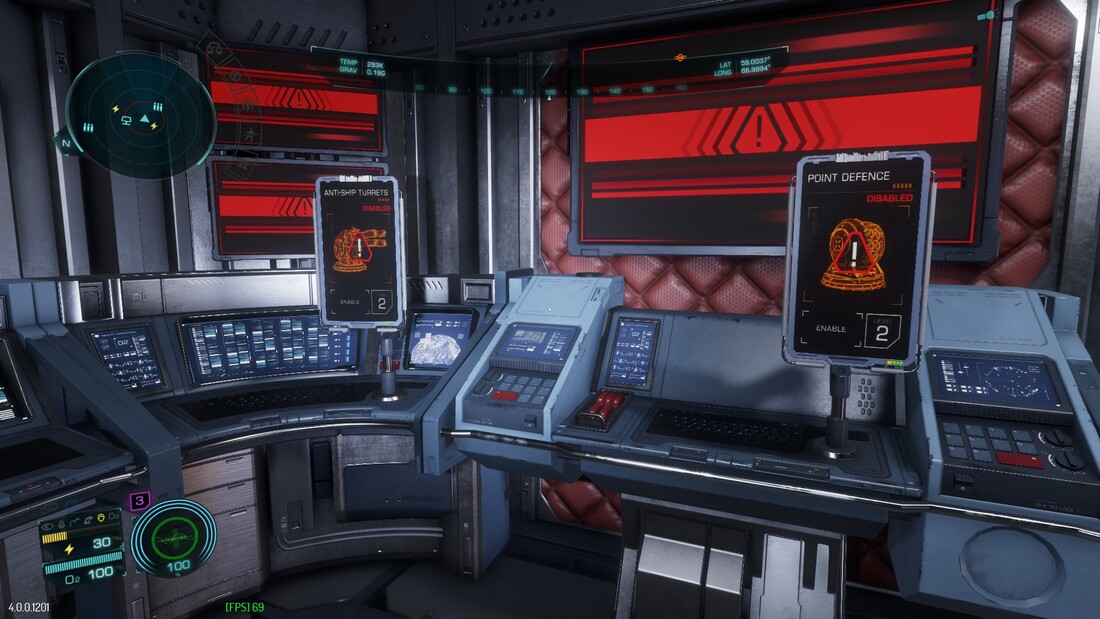
In these odyssey settlements, there will be a lot of security and doorways a player have to access and bypass to reach certain rooms and buildings.
- All doorways will have a level of authorization whereby the player must:
- obtain the required authorization level by cloning profiles
- overload the authorization level scan by overloading the charging port with an energy link
- disable all settlement authority scans by accessing the authority panel
RESTRICTED ACCESS & ILLICIT ACTIVITIES
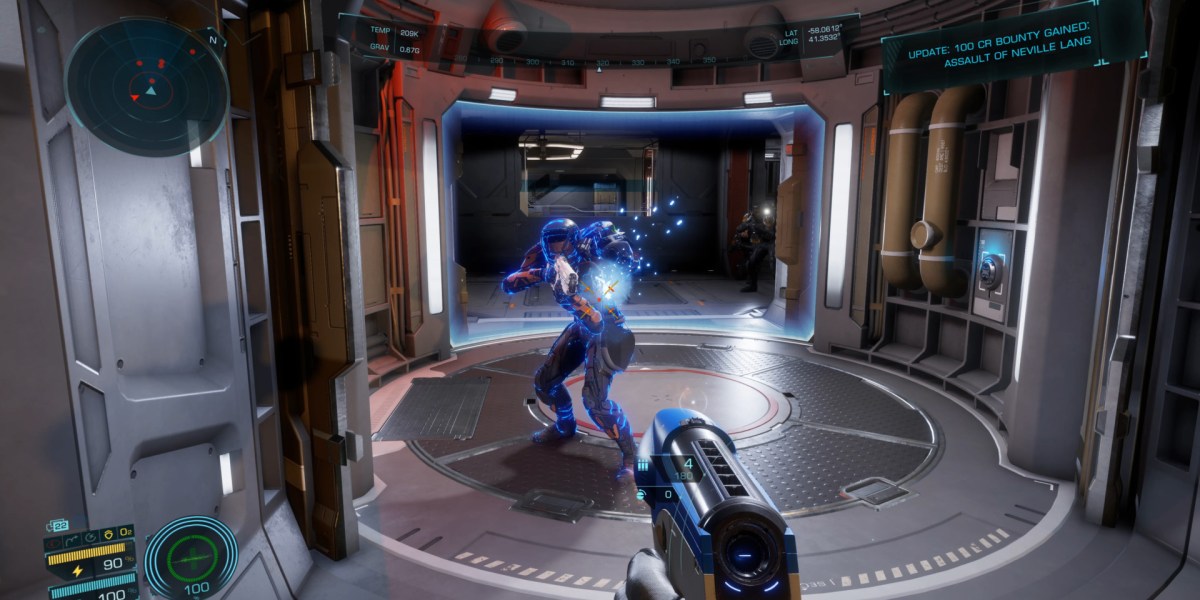
By bypassing tightened doorways does not mean you have entered a restricted area room. Rooms that are restricted will be indicated by a holographic sign. Only by entering into restricted rooms can you gain a fine, be chased by settlement guards, and your profile will be compromised as your profile indicates you have trespassed.
There are also a list of illicit activities that you can do that may give you a fine, have your profile be compromised, or be chased down by the settlement guards:
- stealing assets and goods in direct line of sight from the settlement citizens and workers
- trespassing into rooms whereby it is restricted to only authorized workers
- having been caught carrying illicit goods by the profile scanner
- having been caught using the overloader and profile cloner in direct line of sight
- having been caught downloading illegal data from data ports
- having been caught using the Arc Cutter tool
- having been caught using a weapon in direct line of sight
- having been caught overloading and walking through a secured doorway
DISTRACTIONS & SNEAKING
Stealth is a new Odyssey mechanic that allows you to bait and distract settlement guards, workers and citizens have them focus on something else while withdrawing attention from the items or object you sought.
In order to have workers and guards locally investigate, just note that the settlement alarms cannot be raised. Settlement alarms effectively means that all settlement workers and guards will be placed in search and destroy alert.
Local distractions are distractions affecting mutually exclusive workers and guards that are located in nearby specific rooms and buildings. Local workers and guards will investigate the surroundings when players are:
- downloading illegal data from data ports
- accessing panels to access chemical/biological containments
- sounds of explosions or gunshots
- toggling the panels for interior air pressure through exterior air pressure hubs
Remember the on foot minimap? This is a very useful tool to help you know who can see you and what they can hear. On your minimap, dots indicate their relative position to you, and dots that transition into arrows means that you have direct line of sight to them.
Sound is another tool to help you sneaking around, there are different levels to how “loud” a sound can be heard.
- once a settlement alarm’s been set off, everyone will be in alert mode
- explosions from explosive barrels and srv’s can be heard outside rooms and send nearby npc’s into the area where the explosion was heard
- gunshots can be heard within buildings, and all local npcs within the building will investigate the area
- running and landing will have npc’s notice you within 25m radius from you
- walking will have npc’s notice you within 15m radius from you
- sneaking will have npc’s notice you only if you are in direct line of sight with them
One of the engineers requires the player to complete 6 covert theft or 6 covert heist missions. In these covert missions, you must complete the mission without triggering settlement alarms at any time.
SETTLEMENT BUILDINGS & ROOMS
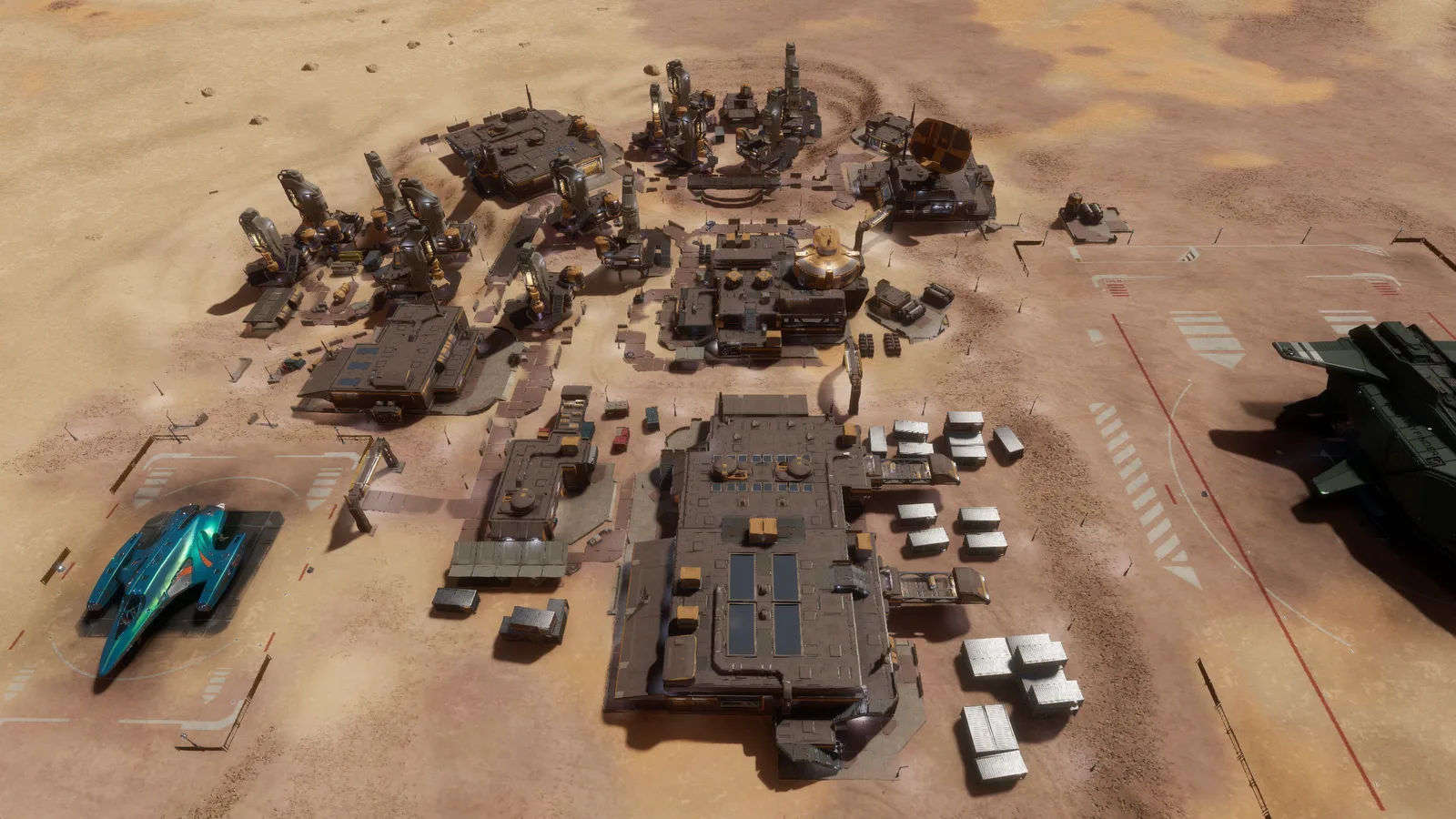 There are 28 settlement variants where the CMD and PWR buildings are located at different locations.