COLONISATION
Colonisation was added when the Trailblazers update released. To reconquer space that we lost during the Thargoid Invasion against the Titans and Sol’s Invasion.
PREREQUISITE
Colonisation is time and money consuming, and to have the best experience you would want:
- A decent Trading Ship
- A decent Exploration Ship
- 25M in credits for claiming a system
- A suitable place for you to expand to and from
- Time in front of you
- A Fleet Carrier (Optional but recommended; see what one costs in the Fleet Carrier Calculator)
- Friends or a Squadron helping you (Optional but very handy)
FINDING A SYSTEM
Before claiming anything, we’d recommend finding a good system first!
You can use the GalMap and set it to System Colonisation and, with your exploration ship, explore nearby systems that are in Grey!
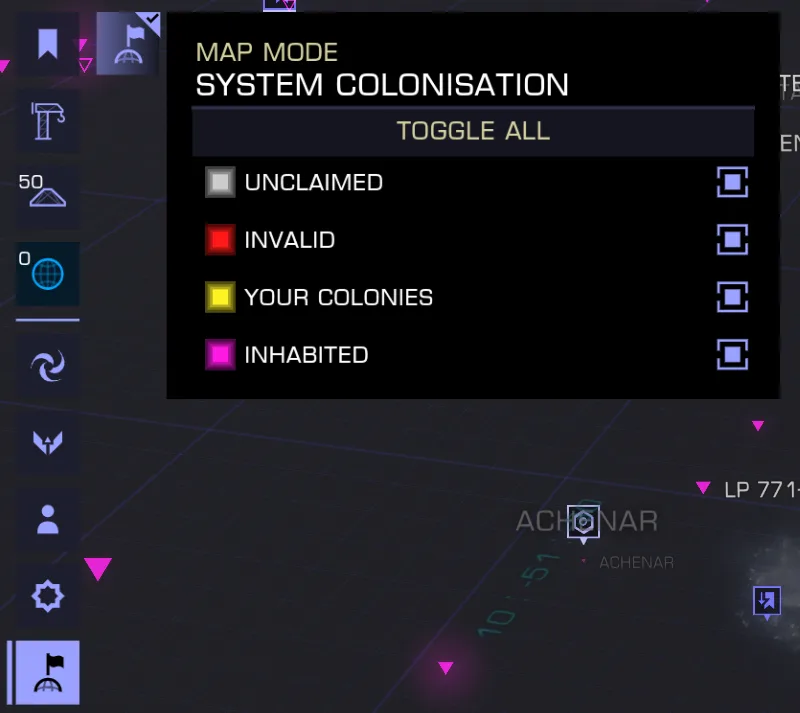
You will be able to spot 4 types of systems while looking around in that view:
- Grey systems are not colonised and will be systems you want to visit for a possible colony
- Red systems that can also be seen with a red X on them are system you can’t build in, these most of the time are permit locked systems
- Yellow are your colonies
- Pink are system that are already occupied by either other colonies or system that were already occupied before the Trailbazer patch
Note: Most systems that aren’t yet colonised in the bubble (circle with a radius of ~500ly from Sol) are most likely just a star and nothing else
There are a few icons on your map while looking around
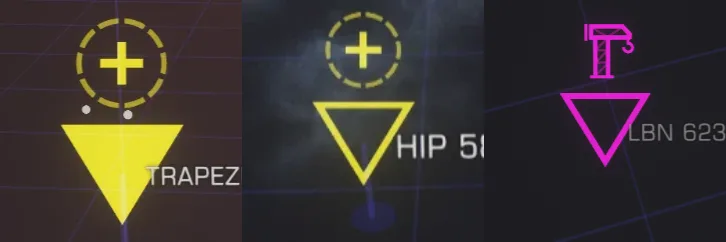
- Full Triangle means no constructions in the system
- Empty Triangle means construction sites are available
- A Crane icon means the primary starport is under construction
- The + icon means that you can add another port to your colony
When you found a system you liked, you can check on the SysMap where the main starport will be located. For that you’ll need to activate the Architect View by pressing the planet with a flag icon:
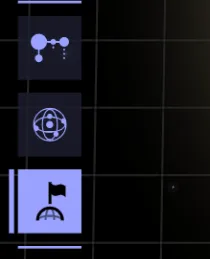
Pressing that will show you a lot of info on the current system, like system architect, numbers of starports and ground ports slots being available
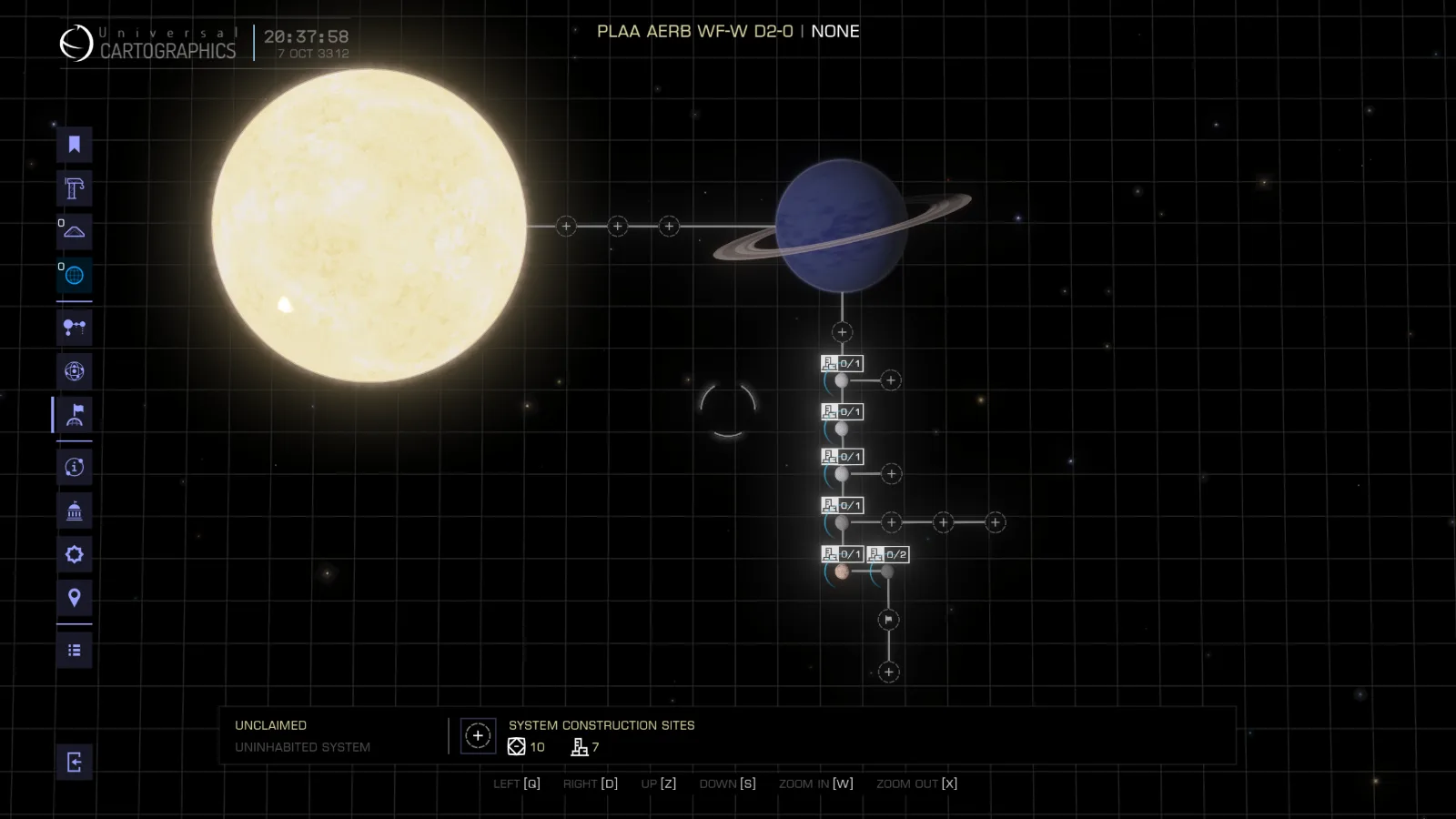
The main port will be located where the flag is:
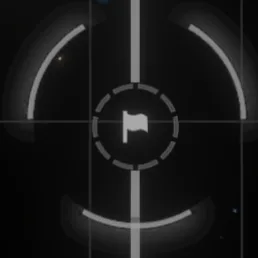
So on the screenshot of the system, the main port will be orbiting planet 1 E A (or the moon orbiting the last planet orbiting the Gas Giant)
CLAIMING A SYSTEM
Main station configuration
Claiming a system is the easy part, once you found one, you can go to the nearest station !
Once docked to said station, go into “Contacts” then “System Colonisation” and select a system within 15ly of range from the current station you are in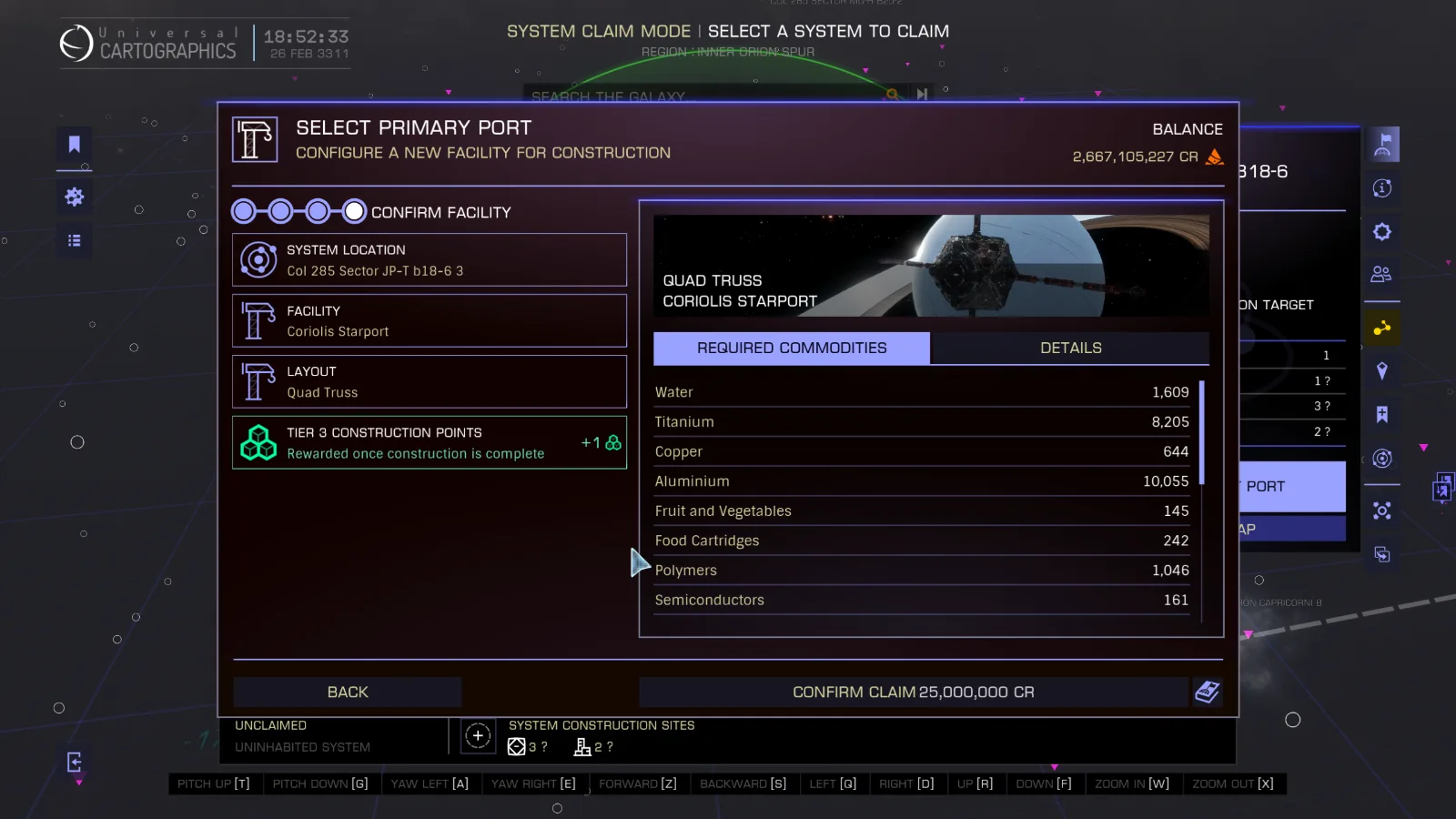
From here you can configure the main starport between 4 options:
- Outpost, Lowest commodity cost, easiest to build, sells the fewest amount of commodities once the economy is set (Recommended if solo)
- Coriolis, Medium commodity cost, sells a good amount of commodities once the economy is set (Recommended if you have a lot of time in front of you, or a few friends / group to help)
- Orbis, High commodity cost, might require help to build, sells a large amount of commodities once the economy is set (not recommended for solo but doable)
- Dodec, Very high commodity cost, will require help to build ,sells a very large amount of commodities once the economy is set (not recommended for solo)
Note: The station layout for Outposts will impact the default economy !
That same window will also show you the default materials that the stations will ask. Every main port will use 20% MORE commodities than a normal build (not shown on said window).
The build cost will also be randomised on every build by +/-5% max, for each commodities (not shown on said window).
Calling the Colonisation Ship
Once you picked the station you want and made the claim, you will have a day to drop the colonisation beacon ! You can follow the mission that the game gave to you for that!
Dropping the colonisation beacon is very easy, once you are in the system you claimed, a signal source designed as mission objective will appear, drop on it.
Once in the signal, put yourself close to the origin of it, aim toward it and use the “Colonisation Suite” (If not bound, go to your right panel > fire groups and assign it to a fire group)
Congrats! You now successfully claimed the system!
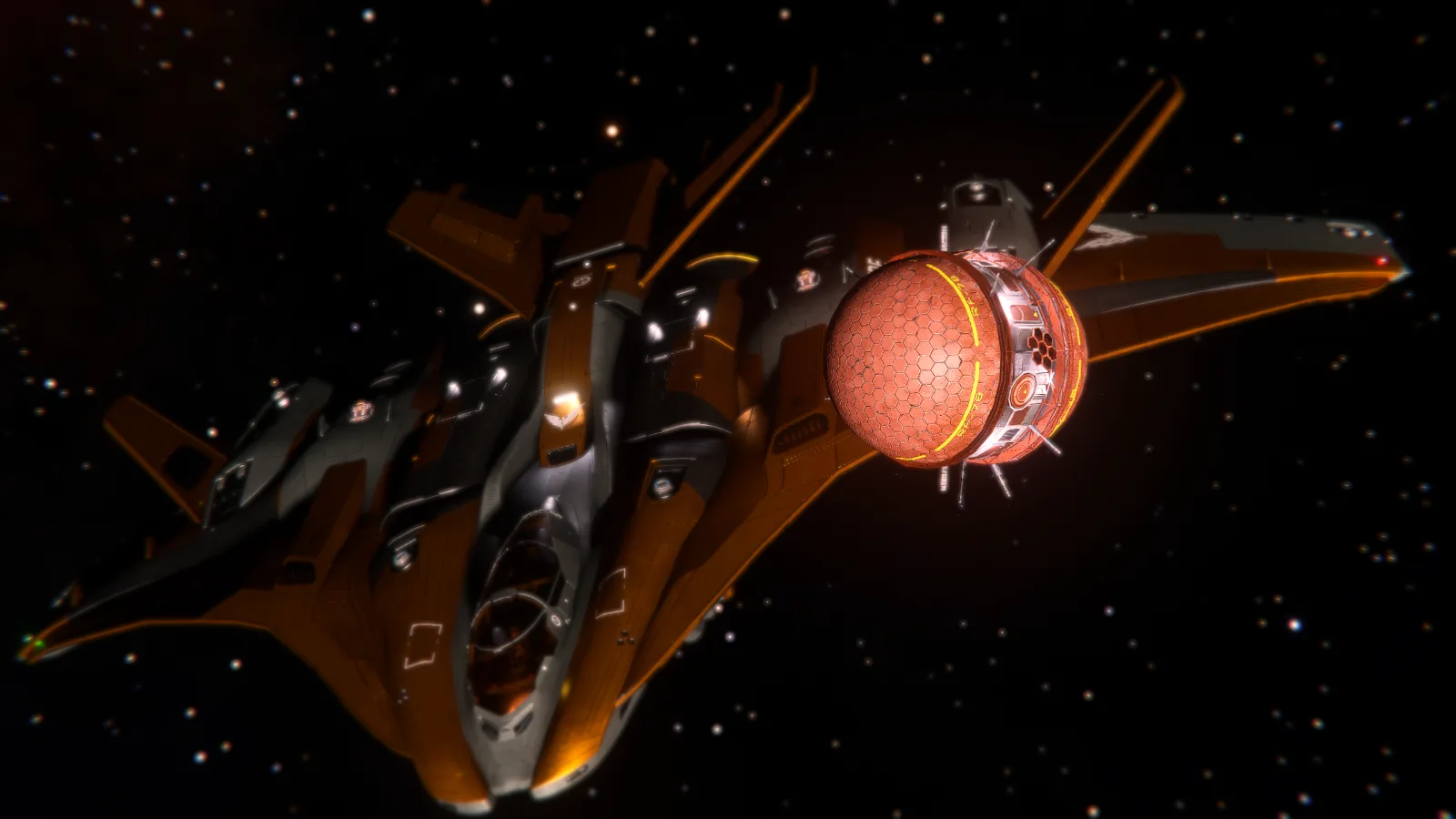
You should see in the top right of your ship that the colonisation ship will arrive in a few minutes (if not already here)
You will need to get on it to progress the construction !
Building the main station
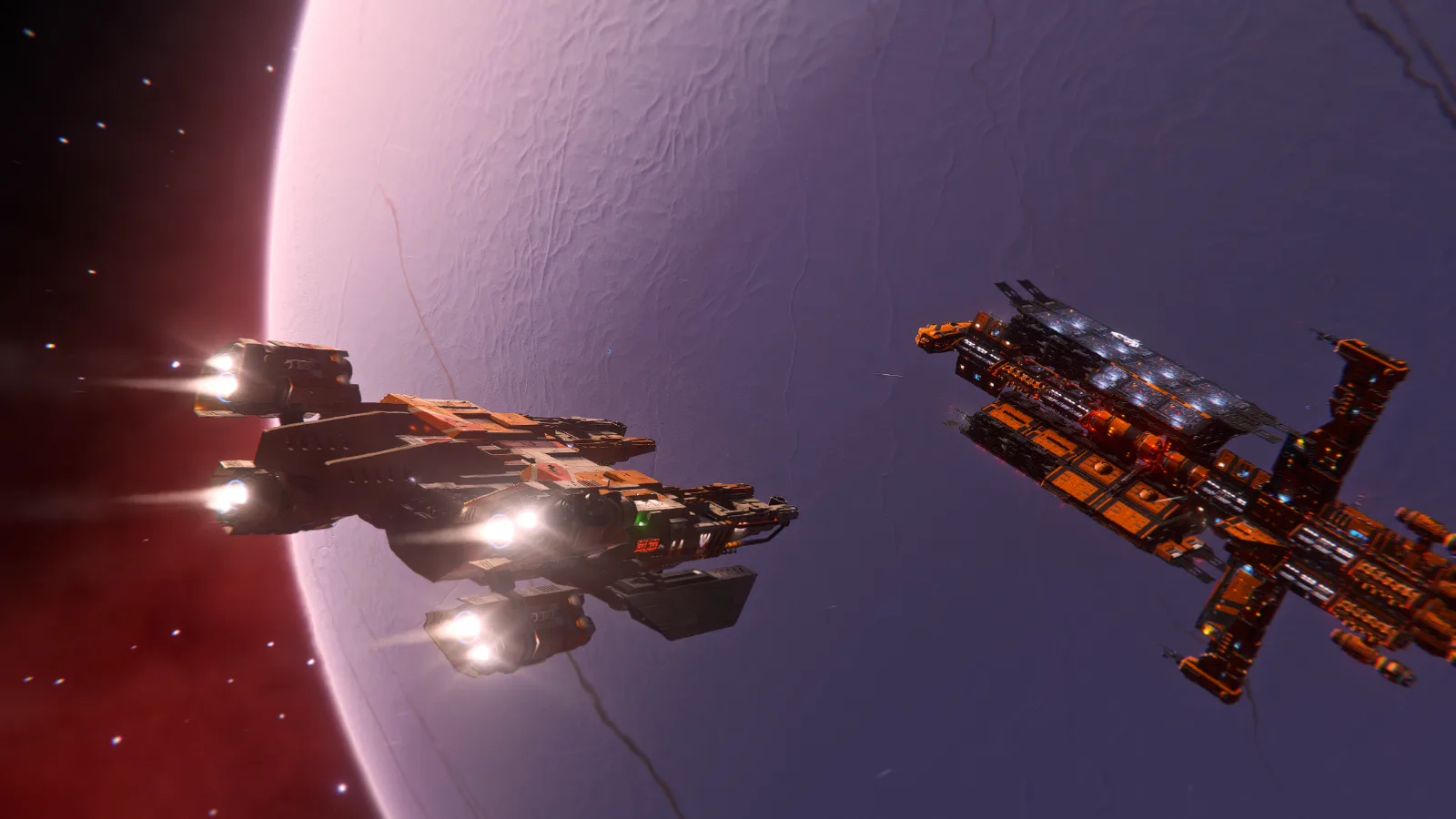
Now here comes the hard part, building the 1st station!
The colonisation ship will tell you what is currently missing in commodities to build the station, as well as the option to rename the station, who is the architect, and what faction is expanding (more on that later): 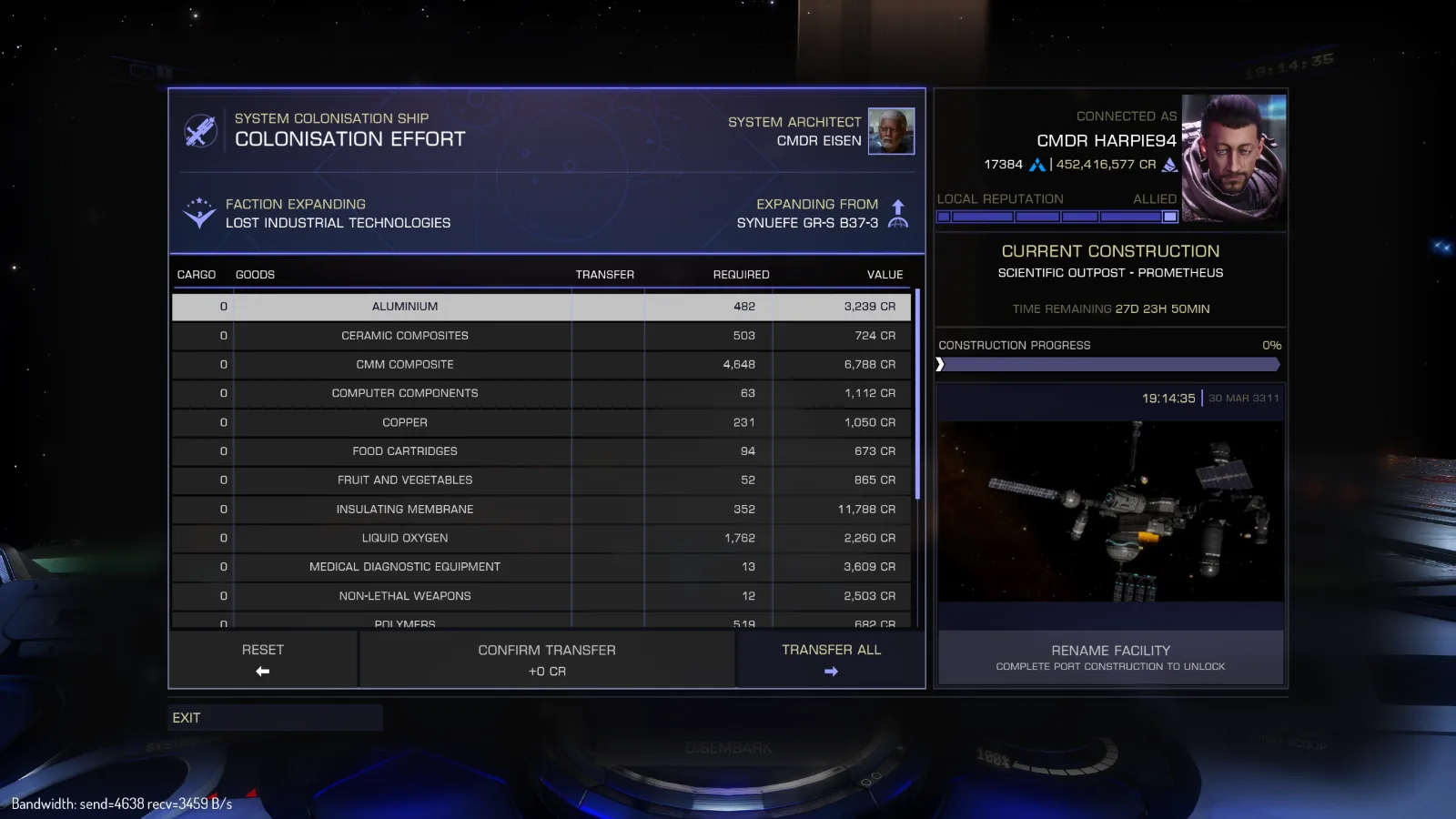
You can also access the same infos from the Sysmap
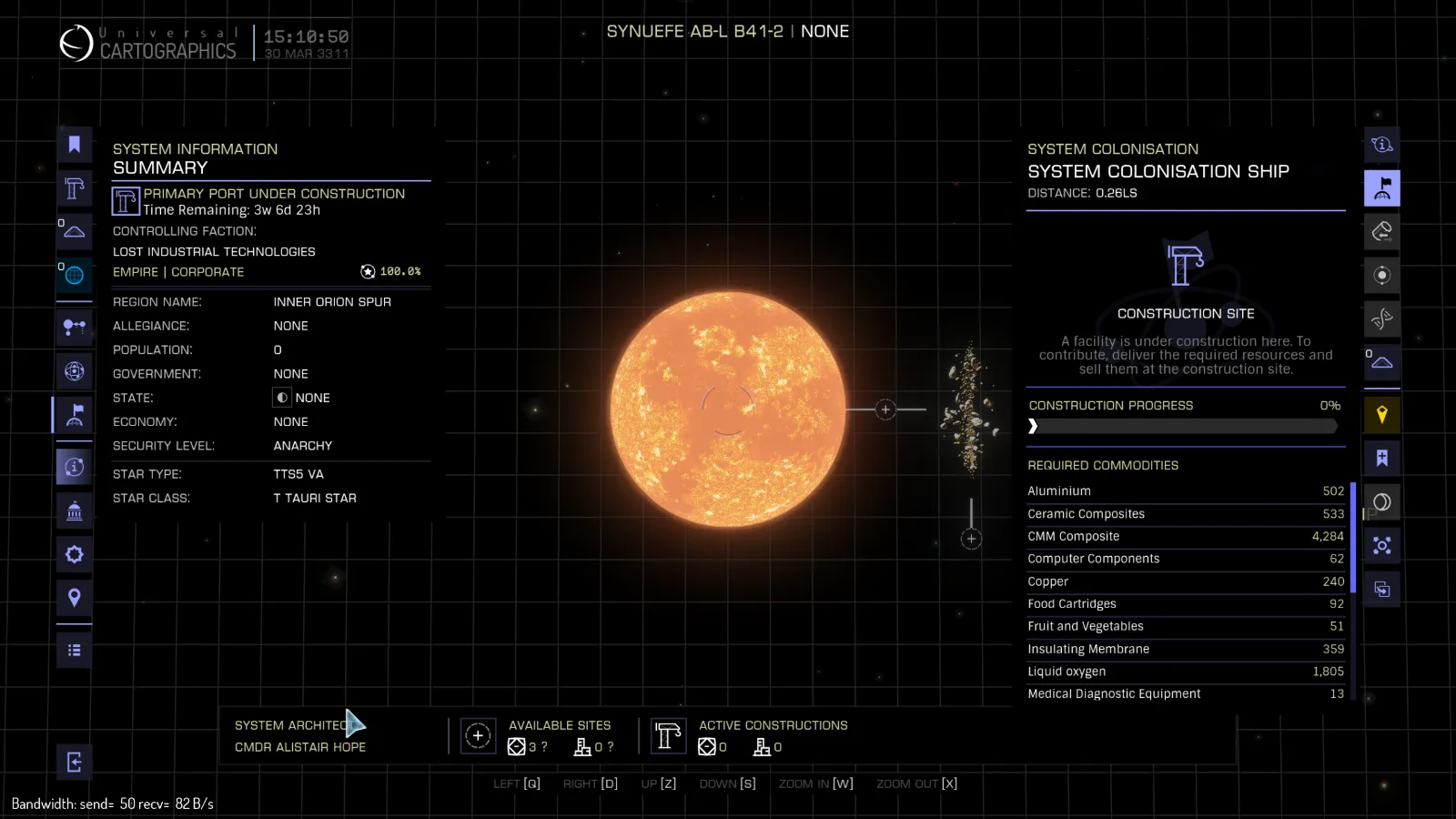
And very important note: You will have one month to build the station.
Building an Outpost alone in that time is quite easy, a Coriolis might be a bit more challenging, an Orbis is possible (but a group of builders helping you is recommended).
Tip: Some commodities will only be available on ground stations and others on stations with medium pads, we strongly recommend using Inara to find what you need!
Main Station built
Now what?
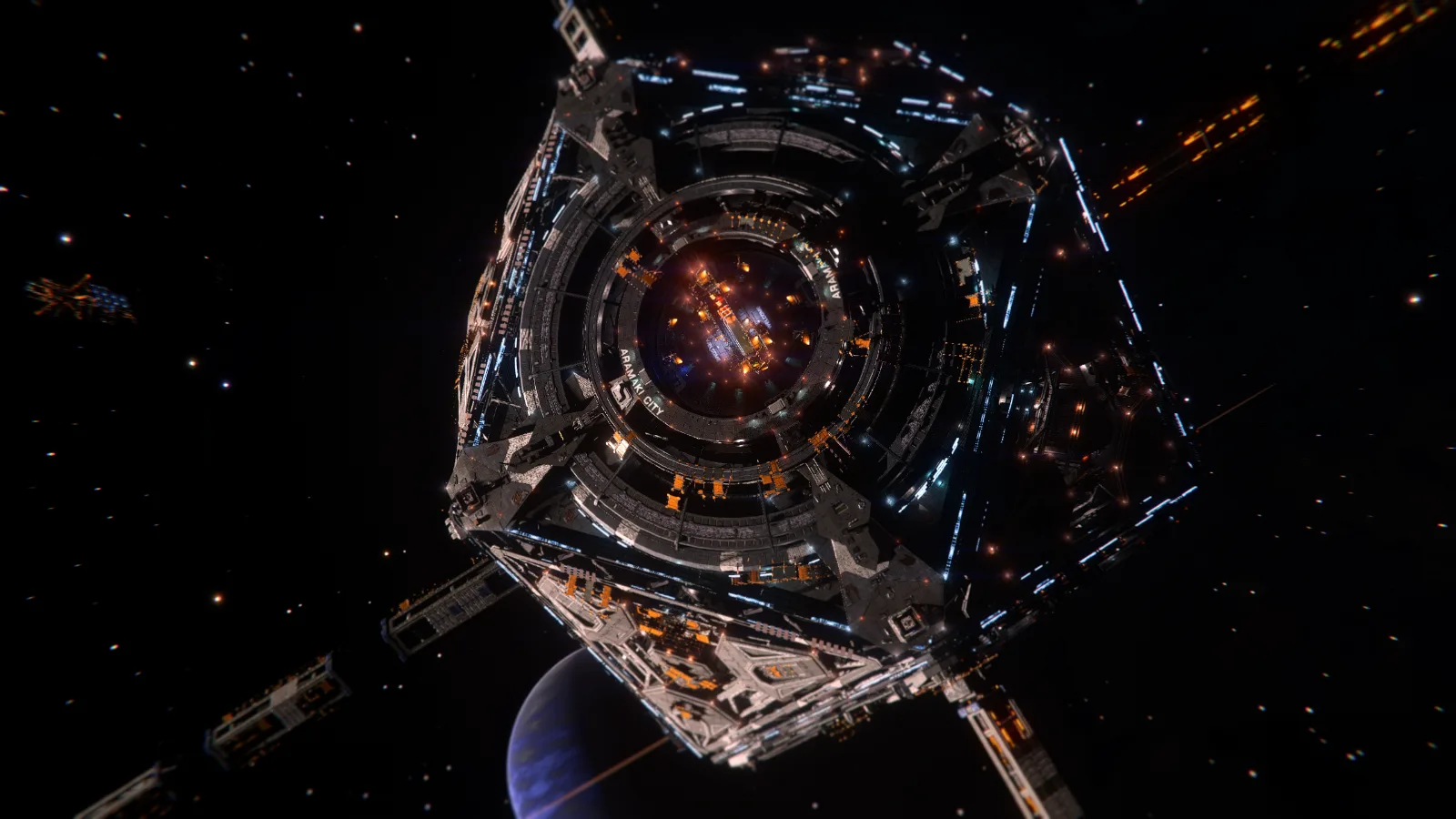
Once your station is built, it will appear in the vicinity of the Colonisation Ship (~30km away). It will however have most if it’s services inactive, the Colonisation Contact however will be online if you need to build a bridge to somewhere ! An inactive station will become active on the next weekly tick (Every Thursday at 7AM UTC), if it didn’t, don’t panic. The update probably just missed it and will become active on the next one.
Building your own system
Before stating to build other things in your system, we would encourage to plan your system ahead!
You can use Raven Colonial and SRV Survey to link to it to achieve that
Now that your main station is built, the fun part can begin.
Faction Placement
When the 1st station is built, the faction that owns it will be the one you helped expand, 2nd faction in the system will be a random faction that is close by (need to be checked), 3rd faction will be the faction that your squad supports/own or another random one, and last faction will be a random Anarchy faction
So for example:
I helped expand LOST Industrial Technologies, and I am apart of NEWP’s squadron, the factions in the system will look like that:
- LOST Industrial Technologies
- Random Faction
- New Pilots Initiative
- Random Anarchy Faction
Moving them around is beyond the scope of this guide since it’s more BGS focused than anything else. But doing missions for the faction you want to move up is the main activity.
Other starports / groundport
Building an economy might be your next step, keep in mind that different planet types, will boost/nerf some economy types, an Earth Like World or Water World for instance, will boost the “Tourism” Ecomony, a planet with Exobiology on it will boost “Agricultural”.
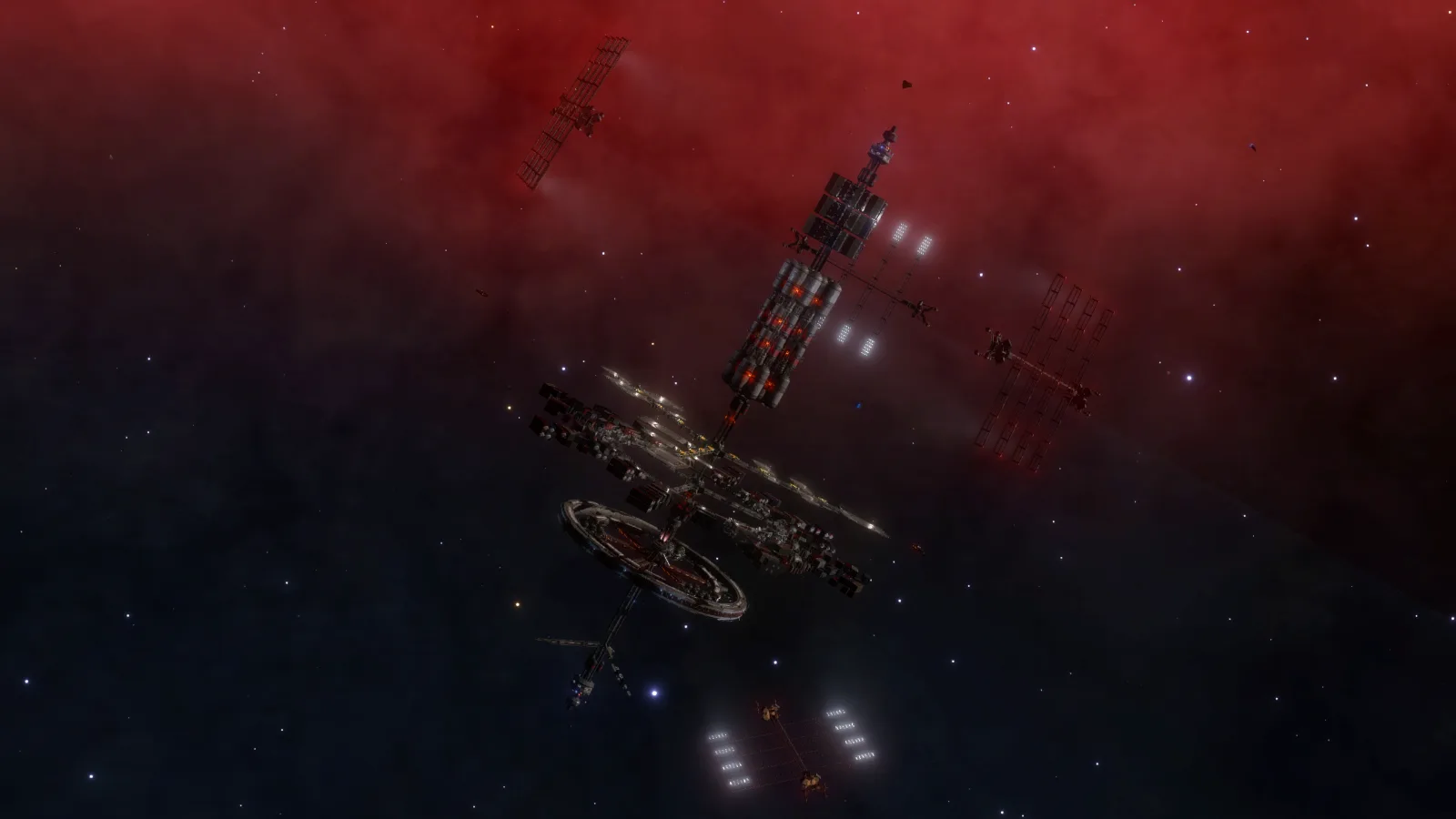
Starports that orbits a planet that has a ground ports will have it’s economy boosted by said installation. i.e. If I have 4 Industrial/Extraction installations on a planet, and a Coriolis is orbiting it, the Coriolis’s economy will become Industrial/Extraction. Having a ground station will also enable the Coriolis to sell more of the commodities that the ground station sells
Building more
Builds you add to your system after the main port is built will not have a time limit, however they will cost construction points:
- A Tier 1 build will cost the fewest commodities to build and no points, and give in return 1 Tier 2 point. You can find Small settlements and installations inside that category, as well as Outposts
- A Tier 2 build will cost an average amount of commodities and Tier 2 points, in return it will give you 1 Tier 3 point. Bigger stations will be found here, such as big ground ports, bigger settlements, Coriolis and Asteroid bases
- A Tier 3 build will cost a lot of material (especially the Dodec), as well as Tier 3 points. They will give out the most amount of commodities and will have the most impact on the population state and security. You can find Orbis, Ocellus and Dodec stations in that category.
Note: The more stations you build, the more points the next one will ask!
Economy
Economies can be very confusing at what does what. I’d strongly suggest looking at tools like Raven Colonial to see more clearly what will change if you do something.
Having a specific economy in a system will make stations sell more of a specific commodity, commodities you might need for other colonisation projects!
Different stations in one system can have different economies, however weak links will impact a station wherever it is, it’s best to have one system oriented in max 3 economies.
Different stations will also produce different commodities, CMM Composites for example, will only be available on Ground ports with a Refinery economy.
Wait weak links you said? What’s that?
Market links
Market links will be what impact the main economy type of orbiting stations, there are 3 types of links
- Weak, weak links are from stations / settlements that are on another planet. They will impact the economy, but very slightly;
- Strong, strong links will be from stations / settlements that are on the same planet or moon
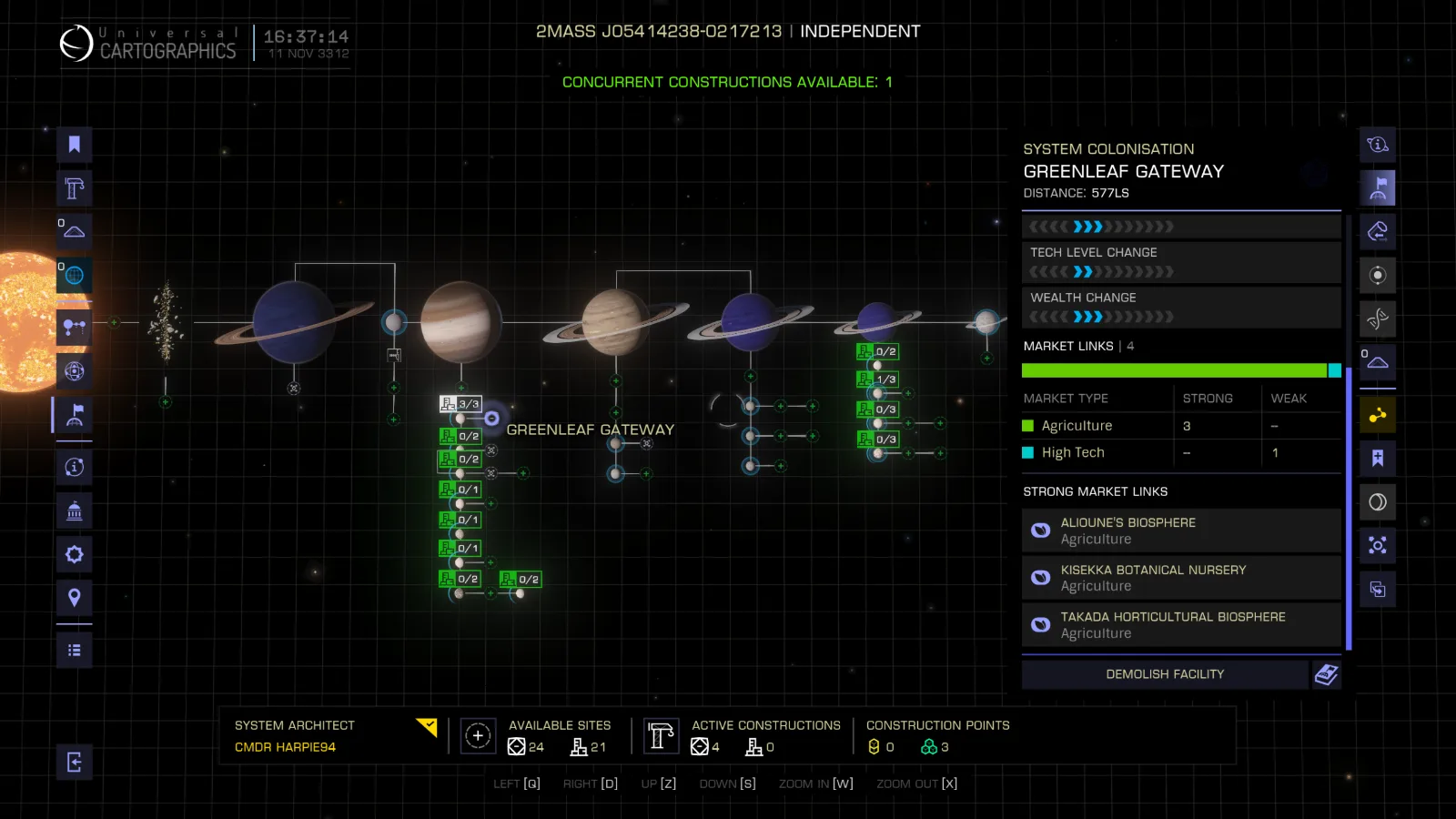
In the screen above the Coriolis “Greenleaf Gateway” has 4 market links:
- 3 Strong Agricultural links, there are coming from the 3 surface ports present on the moon it orbits
- 1 Weak High Tech link, this one is coming from a Scientific Outpost placed on planet 6 B (2nd moon of last blue gas giant). This means the Coriolis has an economy of “High Tech, Agricultural”
In the same system, the Outpost orbiting planet 2 will have 4 weak links all coming from the same 4 settlements, this one has an economy of “Agricultural, High Tech”
Now you might ask, “Why is the “High Tech, Agricultural” inverted on both starports?”. That is a valid question, the main difference is because of the Gas Giant that the moon where the Coriolis orbits is, Don’t worry you’ll understand (hopefully) on the next point. Hence why it’s recommended to use tools like Raven Colonial to plot out your systems to avoid surprises.
Economy impact from planets
Planets and their features will impact a station’s economy that is either, orbiting it or on it.
- Geological signals and rings, will boost Extraction and Industrial economies,
- Gas Giants will boost High Tech economies,
- Earth Like Worlds / Water World will boost Tourism and Agriculture economies,
- Bio Signals will boost Agriculture, Terraforming, High Tech and Tourism economies,
For example let’s say I have a planet with Bio Signals that can accommodate 2 Ground Ports and 2 Orbital Ports I can for example put :
- 1 Agricultural Settlement (Agriculture Link)
- 1 Research Settlement (High Tech Link)
- 1 Coriolis (Station)
With that layout and this planet, the Scientific Outpost will have 2 strong links, one High Tech, One Agricultural, this would have:
- 120% High Tech
- 120% Agricultural
However it has:
- 140% Agricultural
- 120% High Tech
- 100% Terraforming
The planet with Bio signals boosted Agricultural and Terraforming
Case in point:
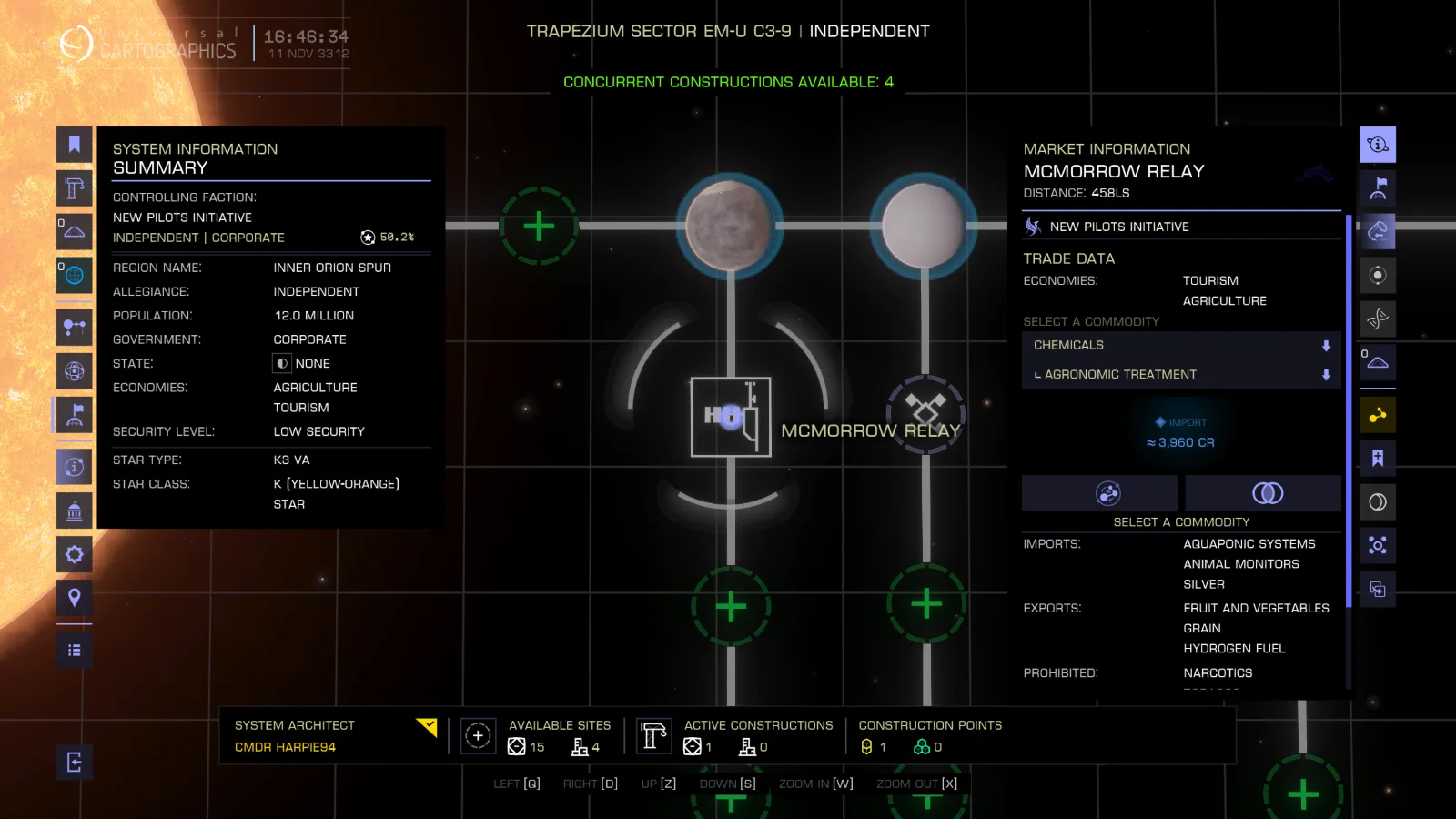
This Outpost has an economy of “Tourism, Agriculture” even if there is no other finished builds because it’s orbiting a Water World, said Water World will boost those 2 specific economies
Architect Payment
Each weekly tick, your systems will give you money, generating a small but passive income it will however depend of multiple factors:
- Score = Buildings built: bigger building will give out better scores and thus better payout
- Happiness (Needs experimenting)